What an API Key Is
An API key is a secret token that authenticates your app to a provider and ties usage to your account/billing. You send it as a header (usually Authorization: Bearer <key>) with each request. Below is where to get one from each major provider, the gotchas, and how to skip juggling four of them.
Where to Get Each Key
- OpenAI (GPT) → platform.openai.com → Settings → API keys → add billing. Full steps: how to get an OpenAI API key.
- Google (Gemini) → aistudio.google.com → Get API key. Has a free tier (with data-use caveat). Steps: how to get a Gemini API key.
- Anthropic (Claude) → console.anthropic.com → Settings → API Keys → add credits. Steps: how to get a Claude API key.
- DeepSeek → platform.deepseek.com → API keys (cheapest; China data-residency caveat). Steps: how to get a DeepSeek API key.
Each means a separate signup, billing setup, key, and rate-limit regime to manage.
Key Security (Don't Skip)
- Never commit keys to Git or paste them in client-side / mobile code — extract-and-abuse is trivial. Proxy through your backend (see AI API for mobile apps).
- Use environment variables / a secrets manager, not hardcoded strings.
- Scope keys per project/environment and set spend limits.
- Rotate immediately if a key is exposed.
The One-Key Option
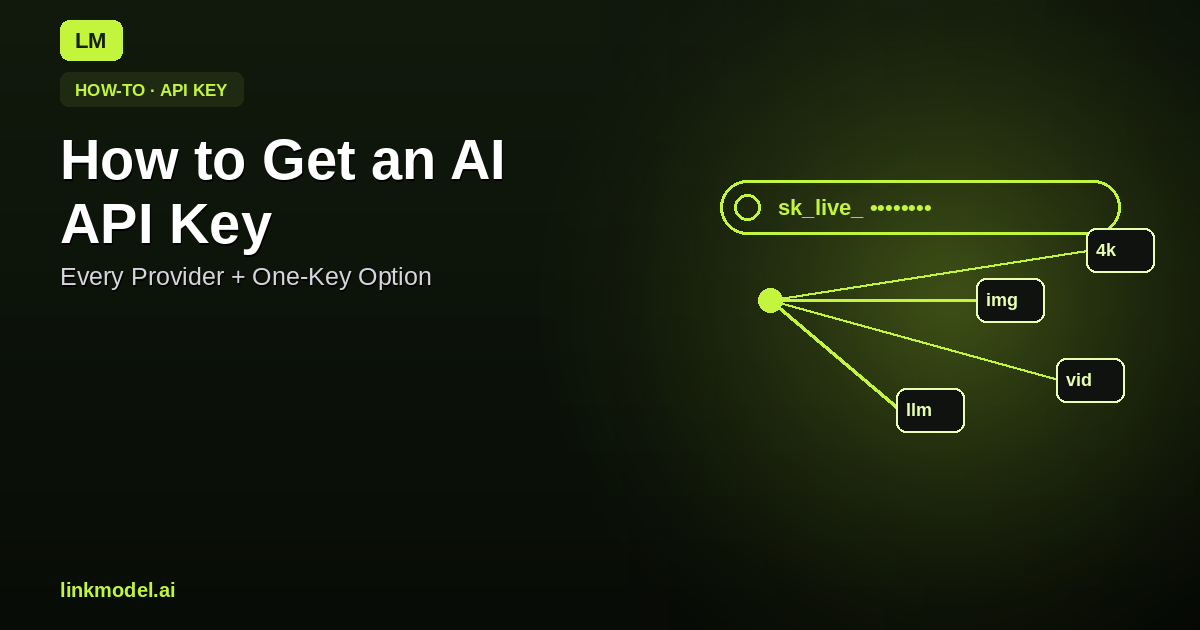
If you'll use more than one provider (most apps do), a gateway removes the juggling. With LinkModel, a single key calls GPT, Gemini, Claude, DeepSeek and more — up to 30% below official rates, with per-request pricing shown up front, zero data retention by default, and a $1 free credit to start:
# same key, same shape — switch models with one word
curl -X POST https://api.linkmodel.ai/v1/chat/completions \
  -H "Authorization: Bearer $LINKMODEL_API_KEY" -H "Content-Type: application/json" \
  -d '{ "model": "gemini-3.5-flash", "messages": [{"role":"user","content":"Hello"}] }'
One signup, one bill, one integration — and image/video models on the same key too. See multimodal AI API and build an AI app with multiple models. Confirm endpoints in the docs.
"Is There a Free API Key?"
Most providers require billing; Google's AI Studio has a limited free tier (details). For a free way to test many models at once, a $1 signup credit covers real calls — see free AI API.
Bottom Line
Get each provider's key from its console (and add billing), secure keys properly, and — if you use more than one model — consider a single cheaper key that calls them all.
Start free with a $1 credit and one key for every model.
